AutoShader - Effects Toolkit for Aseprite
A downloadable tool
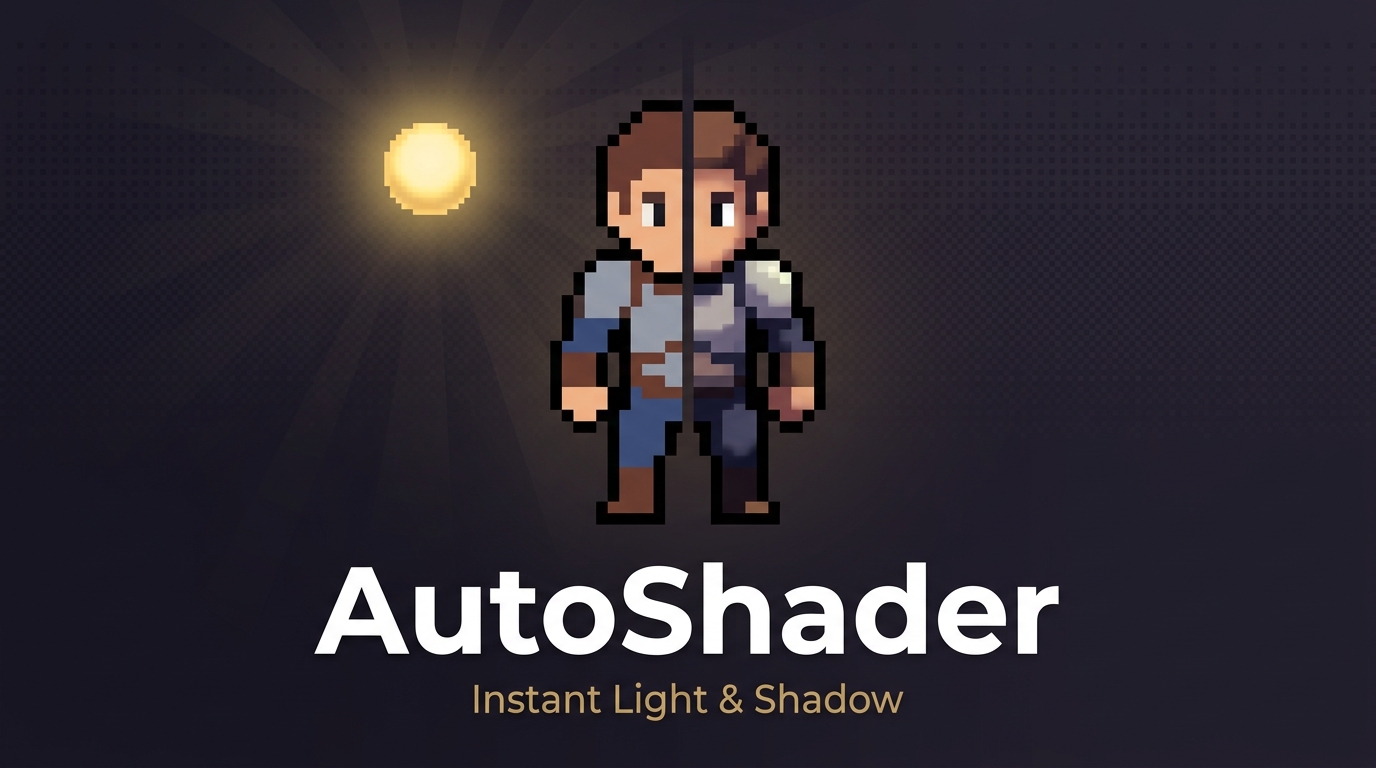 💡 Instant Light & Shadow for Pixel Art
AutoShader adds professional highlights and shadows to any sprite — with an interactive light source you drag in real time and a live preview that updates as you tweak. All without leaving Aseprite.
No more painting shadows pixel by pixel. No more guessing where the light hits.
✦ Features
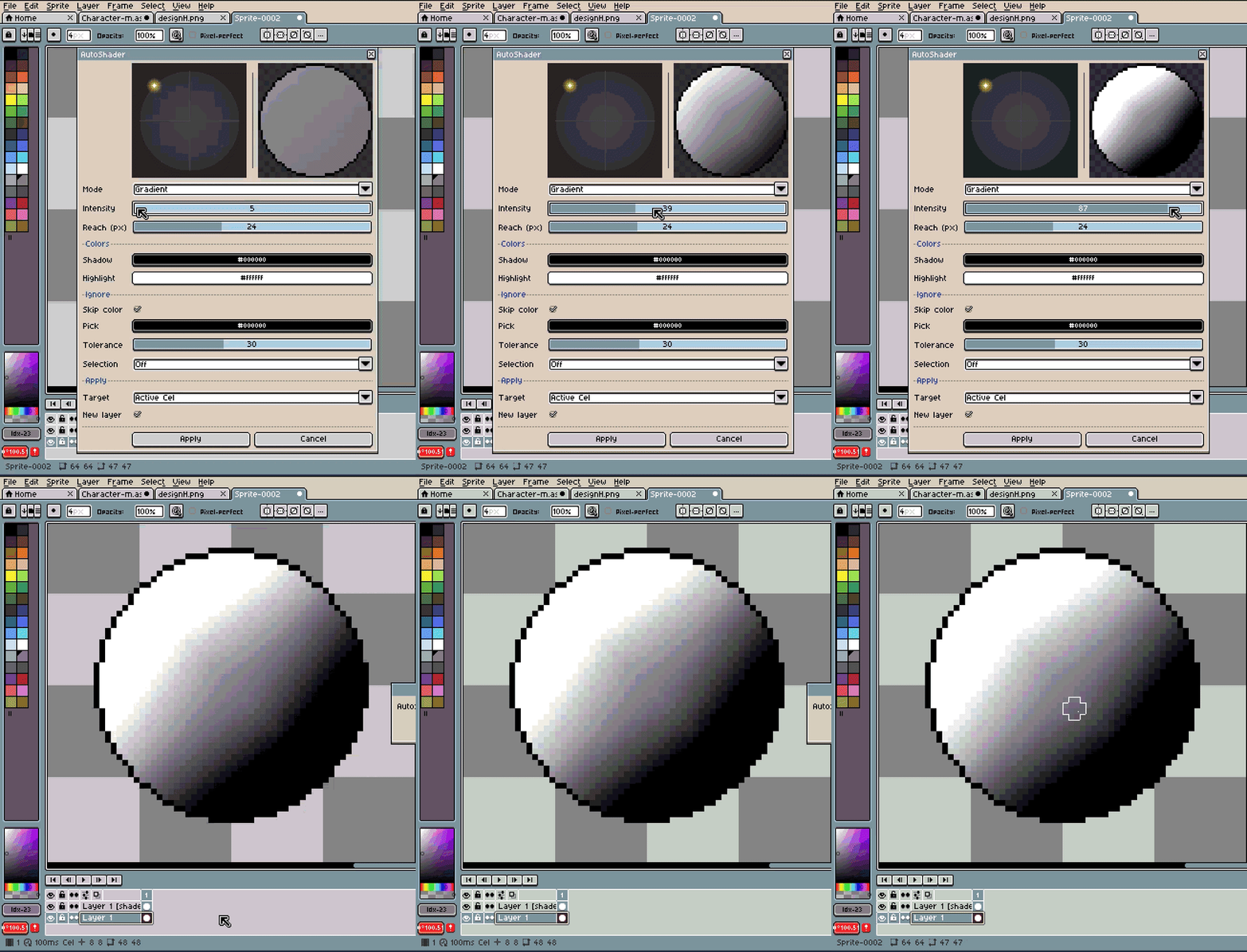
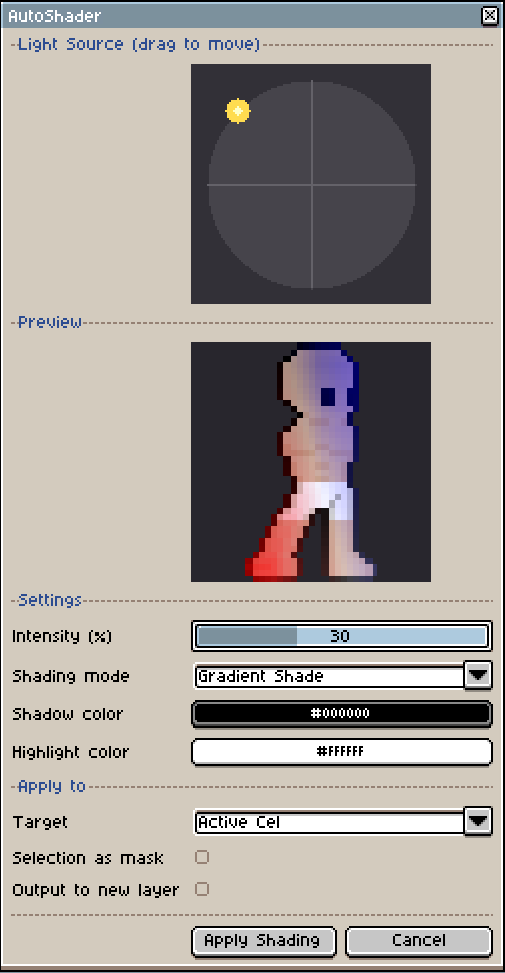
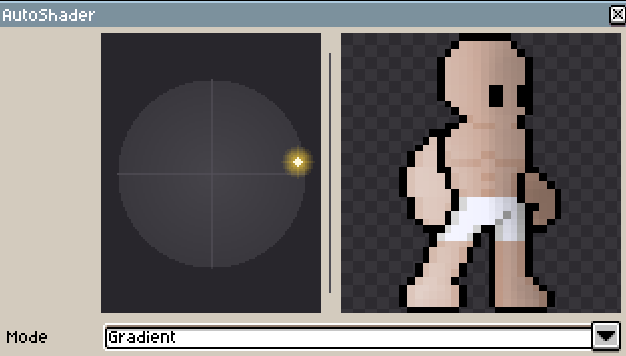
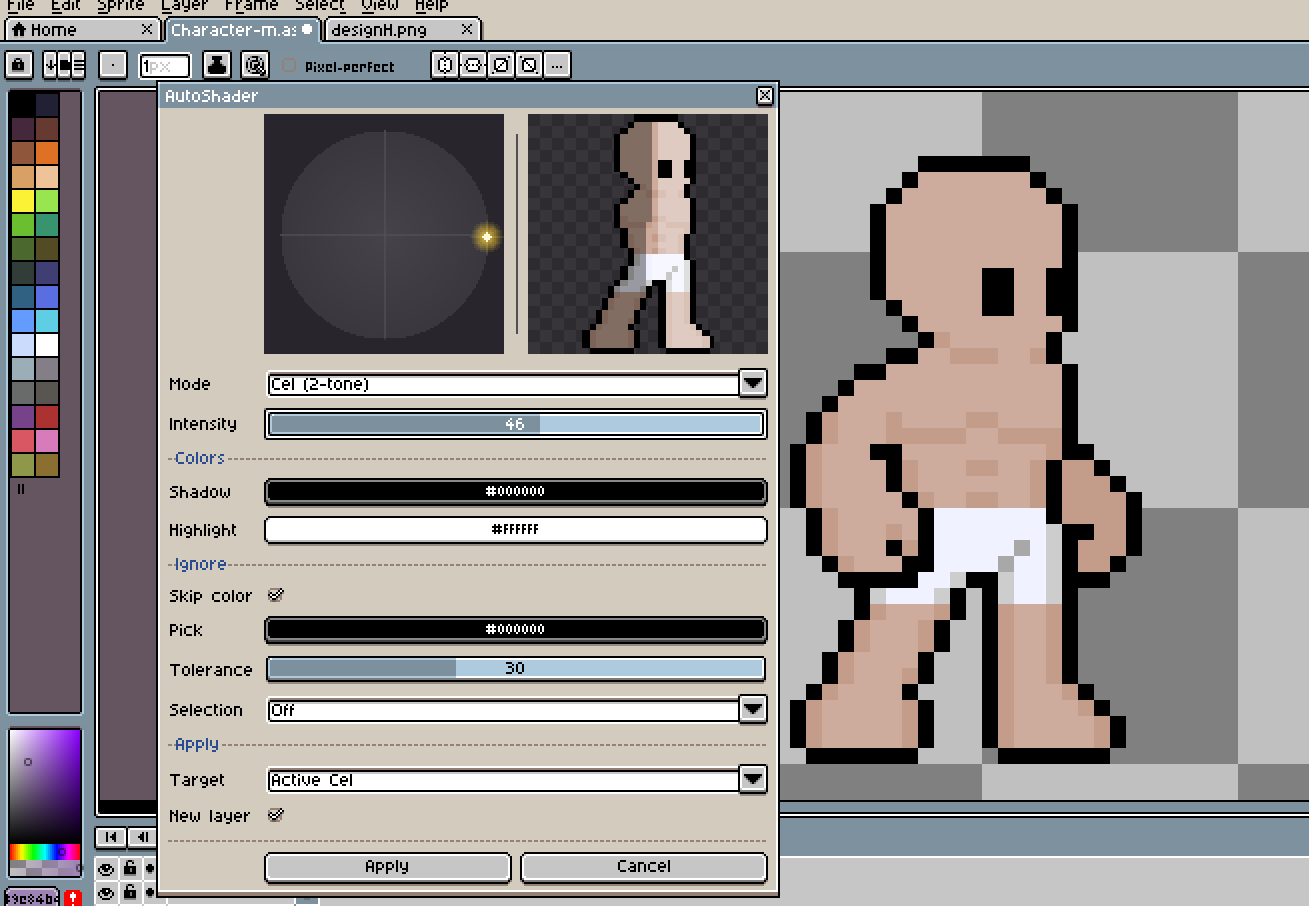
- Interactive Light Picker — Drag a light source on a circle, see the preview update instantly
- Live Preview — Real-time shaded preview compositing all visible layers right in the dialog
- 3 Shading Modes — Gradient (smooth), Edge (multi-depth), Cel Shade (2-tone cartoon)
- Independent Shadow & Highlight — Separate strength sliders + custom colors for each
- Ignore Color — Skip outlines and lineart with eyedropper + tolerance
- Reach Control — Set how deep the shading penetrates, from subtle edge to full-body coverage
- Selection Masking — Shade only selected areas, or protect selected areas from shading
- Batch Apply — Active cel, all frames, all visible layers, or everything at once
✦ Tools Included
| Light Picker | Drag the golden light source around a circle — direction updates the preview in real time |
| Gradient Mode | Smooth shading based on position relative to the light — natural, painterly results |
| Edge Mode | Multi-depth edge shading with smooth falloff — outlines and borders get the most effect |
| Cel Shade Mode | Hard 2-tone split for cartoon/anime style shading — clean, bold, instant |
| Ignore Color | Eyedropper picks any color to skip (default: black outlines) with adjustable tolerance |
| Selection Mask | Use Aseprite's selection tools to control exactly where shading applies or doesn't |
✦ How It Works
- Select your sprite layer in Aseprite
- Go to Edit → AutoShader — Light & Shadow
- Drag the light source on the circle picker — the preview updates live
- Adjust shadow/highlight strength, colors, reach, and mode
- Click Apply — shading is baked to a new layer (non-destructive, single Ctrl+Z)
✦ Perfect For
- Game developers adding volume and depth to character sprites
- Pixel artists who want fast shading without manual painting
- Animators applying consistent lighting across all frames at once
- Anyone making game art, icons, or tilesets that need quick, clean shading
✦ Installation
- Download the
.aseprite-extensionfile - Double-click it — Aseprite installs it automatically
- Find it under Edit → AutoShader — Light & Shadow
Requires Aseprite v1.3 or newer. RGB color mode only.
✦ What You Get
| 📦 | AutoShader.aseprite-extension | Ready-to-install extension file |
Made by Deer Rock Studios
This product may have bugs; we are improving every day and your feedback would help us. That said, we are not responsible for misuse and do not offer refunds.
Leave a comment
Log in with itch.io to leave a comment.