PaletteForge — Color Harmony Generator for Aseprite
A downloadable tool for Windows, macOS, Linux, and Android
 🎨 Stop Picking Colors Randomly
PaletteForge generates harmonious color palettes from a single base color — right inside Aseprite. Pick a color, choose a harmony, and get a perfectly balanced palette in one click.
No more guessing. No more ugly color combos. No more alt-tabbing to Coolors.
✦ Features
- 6 Harmony Types — Complementary, Analogous, Triadic, Split-Complementary, Tetradic, Monochromatic
- Live Preview — See your palette update in real-time as you tweak the base color
- Adjustable Shades — 2 to 5 shades per harmony color (light to dark variations)
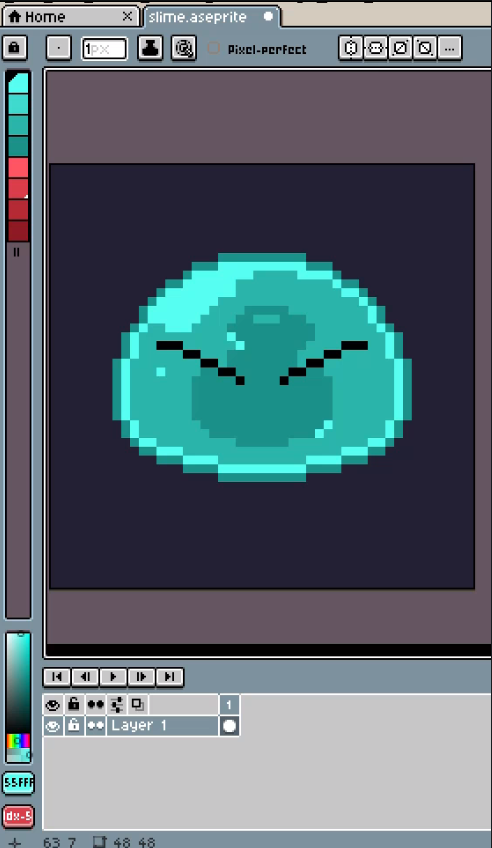
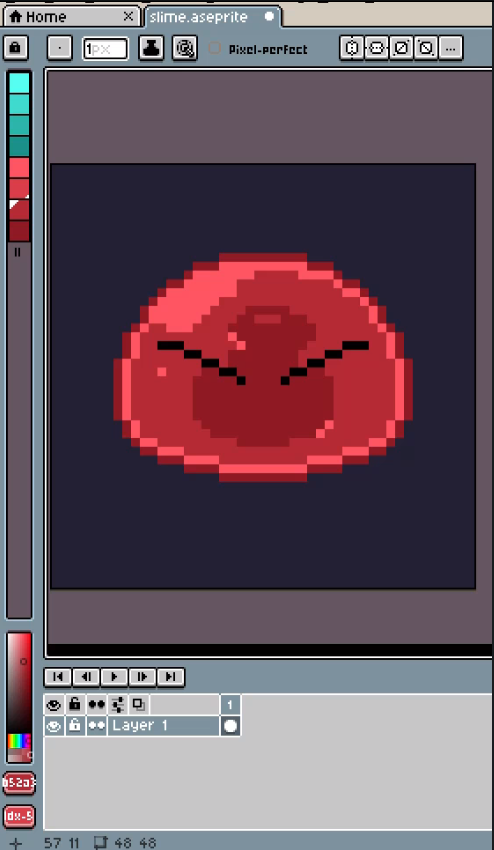
- Apply to Palette — One click replaces your sprite's palette with the generated colors
- Export .gpl — Save as GIMP Palette format, compatible with Aseprite, GIMP, Krita, and more
- Non-modal dialog — Keep working on your sprite while PaletteForge stays open
✦ How It Works
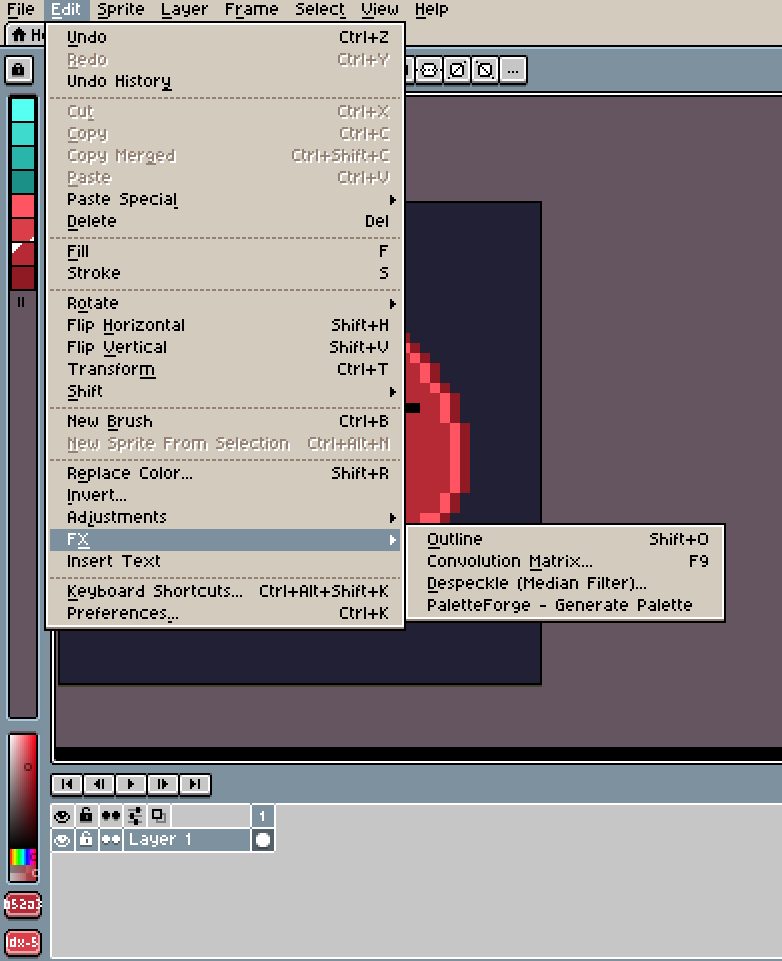
- Open Edit → PaletteForge
- Pick a base color from the color picker
- Choose a harmony type (Triadic, Complementary, etc.)
- Adjust shades per color (2–5)
- Click Apply to Palette — done
That's it. Your sprite now has a professional, balanced color palette.
✦ Perfect For
- Game developers who need consistent palettes across sprites
- Pixel artists exploring color schemes quickly
- Anyone tired of manually picking colors that "feel right"
- Generating multiple palette variations for the same character
✦ Installation
- Download the
.aseprite-extensionfile - Double-click it — Aseprite installs it automatically
- Find it under Edit → PaletteForge - Generate Palette
Requires Aseprite v1.3 or newer.
✦ What You Get
| 📦 | PaletteForge.aseprite-extension | Ready-to-install extension file |
Made by Deer Rock Studios
This product may have bugs; we are improving every day and your feedback would help us. That said, we are not responsible for misuse and do not offer refunds.
Purchase
In order to download this tool you must purchase it at or above the minimum price of $2 USD. You will get access to the following files:
Leave a comment
Log in with itch.io to leave a comment.