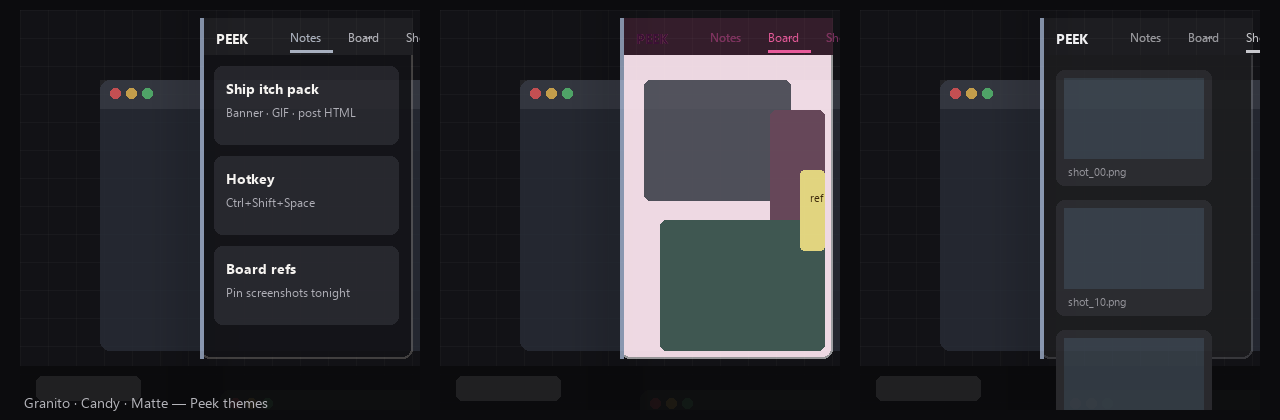
Peek — Instant notes, board & shots behind one hotkey
A downloadable tool for Windows
One hotkey. Notes · Board · Shots — and pin any screenshot over your canvas.
Sticky notes buried under windows. A PureRef board you forgot to show. Screenshots dumping into a folder you’ll never open. Context switching kills the idea before you write it down.
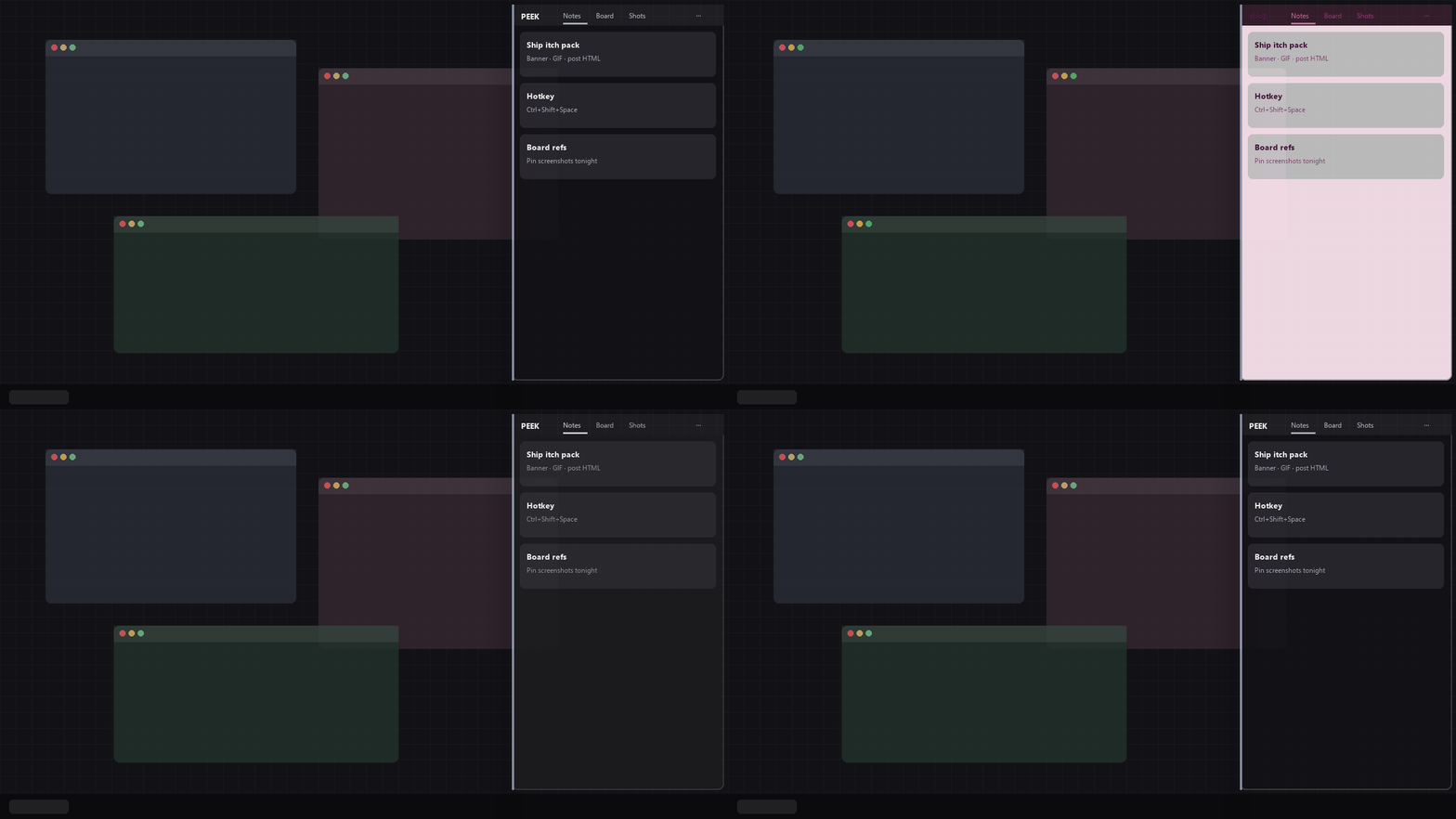
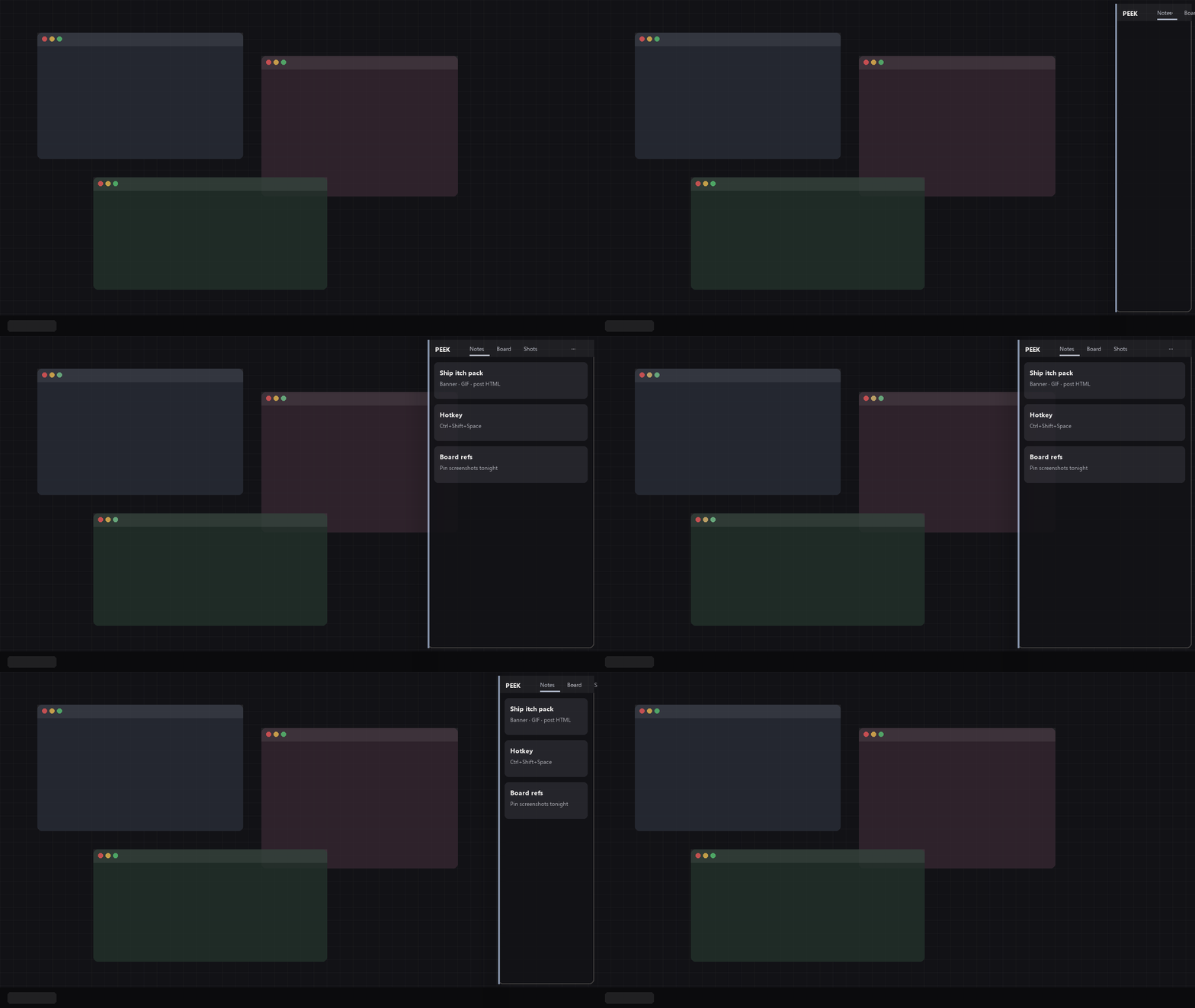
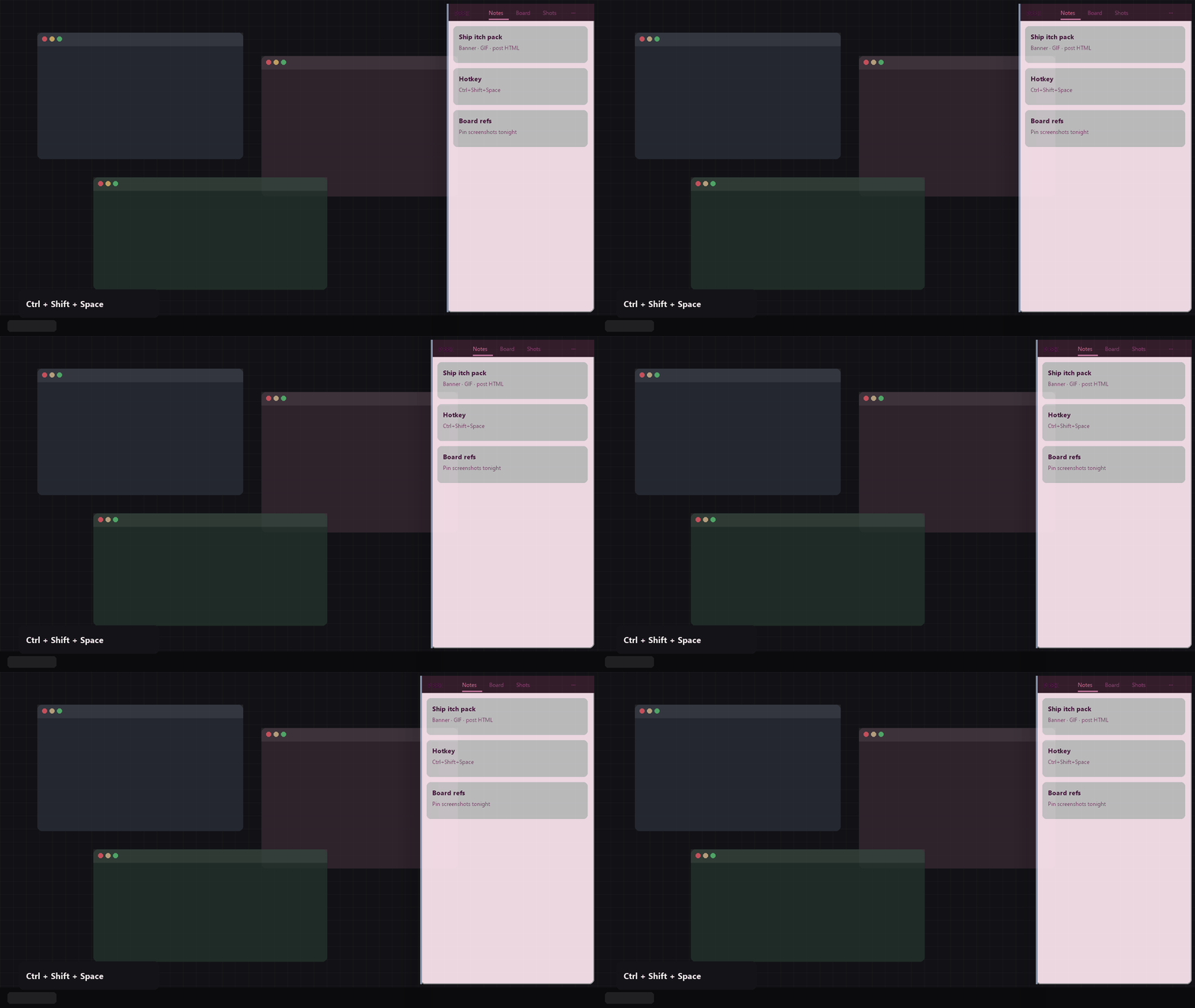
Peek is a glass overlay for Windows that lives in the tray. Press your master hotkey — a panel slides in from the screen edge. Press again and it’s gone. No splash. Built by Deer Rock Studios.
What’s new in 2.0
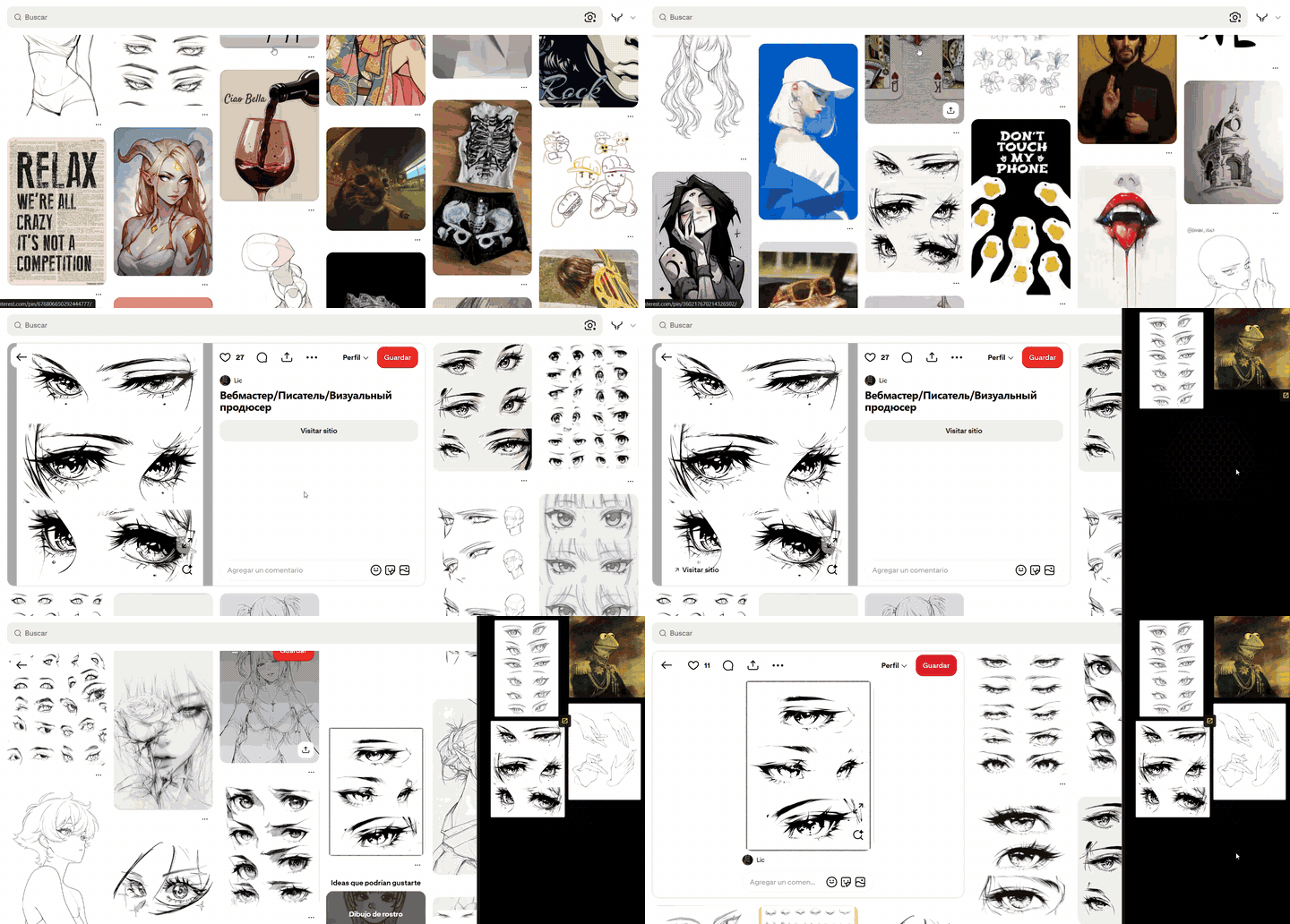
- Pin to screen — double-click a shot to float it always-on-top (drag, opacity, close). Keep a reference over ibisPaint, Clip Studio, code, browser…
- Note titles — double-click or right-click a note to set a bold title; empty title still uses the first line of content
- Custom colors — spectrum picker for panel + text; text can auto-contrast from the panel, or you pick it by hand. Four glass themes stay (Granito · Candy · Matte · Board School)
- Kinder keyboard — opening Peek no longer steals focus from the app underneath; hotkeys must include a modifier (no bare A/C locking your keys)
Three panes
- Notes — jot it before it evaporates. Import Windows Sticky Notes when you’re ready to leave them behind.
- Board — drop references, sticky pins, pan and zoom. PureRef-style energy, one hotkey away.
- Shots — watch your Screenshots folder. Search by filename + OCR. Double-click → Pin to screen. Right-click → Send to Board (and more).
What you get
- System-wide hotkey — works over any focused app (remap in Settings; default Ctrl+Shift+Space). Always use a combo with a modifier.
- Start with Windows — optional; Peek waits in the tray after login
- Glass themes + live color preview in Settings
- Opacity — solid when you need focus, see-through when you don’t
- Tray resident — hide the panel; Peek stays ready
- Update check — Settings → Check for updates → your itch library (official builds only)
Shots tips
- Double-click a thumbnail → floating Pin
- Right-click → Pin to screen · Send to Board · OCR · Show in Explorer · Delete
- Drag a shot out to other apps when you need the file
Why buy the official build
Official Peek checks itch for new versions and opens your library download. One-time purchase — your copy, forever updatable from this page. Zip handouts for reviewers don’t get library updates.
$1.99 one-time · Windows 10/11 (64-bit)
Languages
English · Español · Português · 中文
Install
- Download the Windows build from this page (or update from your library).
- Unzip and run
Peek.exe. - Find Peek in the system tray — toggle with Ctrl+Shift+Space (or your remap).
- Optional: Settings → Start with Windows.
deerrockstudios.com · Ko-fi · support via itch comments
Purchase
In order to download this tool you must purchase it at or above the minimum price of $2 USD. You will get access to the following files:
Leave a comment
Log in with itch.io to leave a comment.