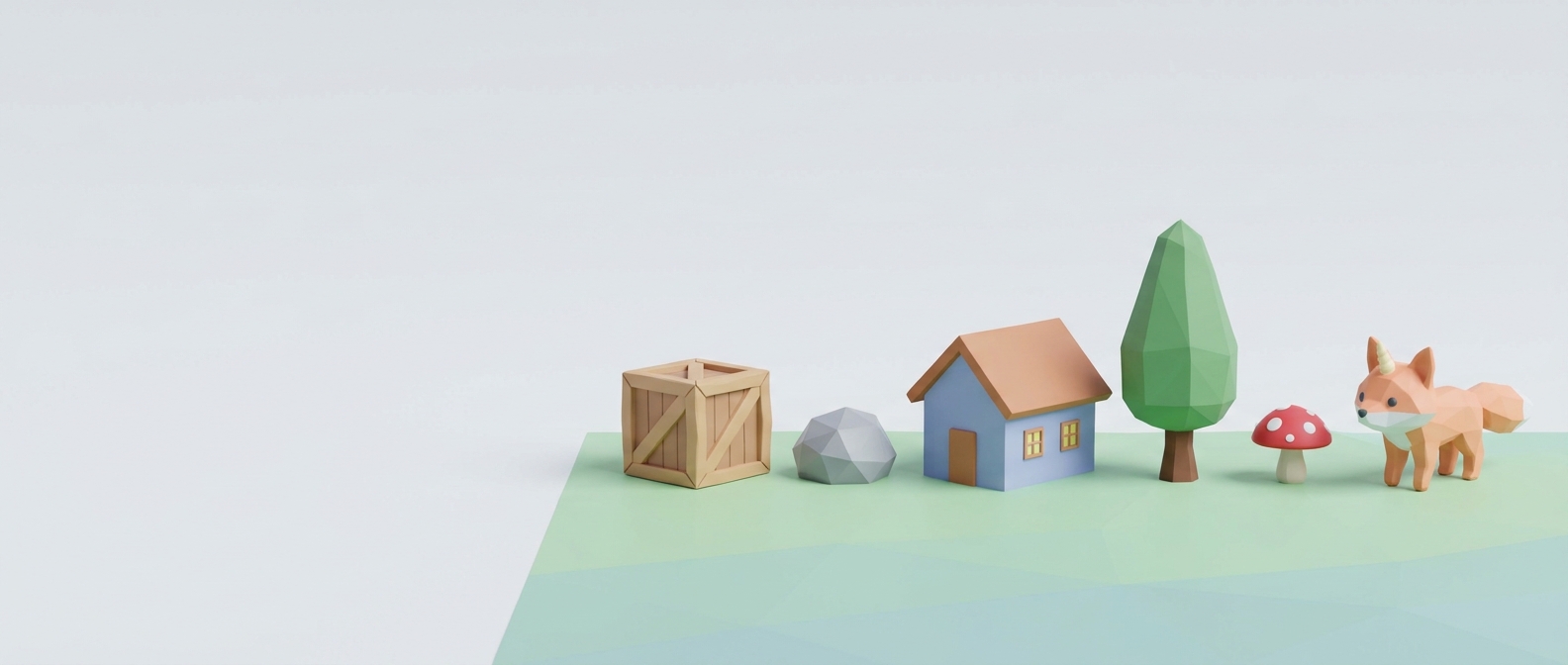
ToyStudio
A downloadable tool for Windows
Make low-poly 3D models without learning Blender.
Launch offer: 50% off until December. ToyStudio is in beta and gets updates every week.
Blender can do anything. That's the problem when all you want is a crate, a rock or a little house for your game. Hundreds of buttons, shortcuts to memorize and a week of tutorials before your first model looks right.
ToyStudio keeps only what you need for low-poly game art. You grab the model and shape it with your mouse, like clay. If you can use a drawing app, you can use this.
How it feels
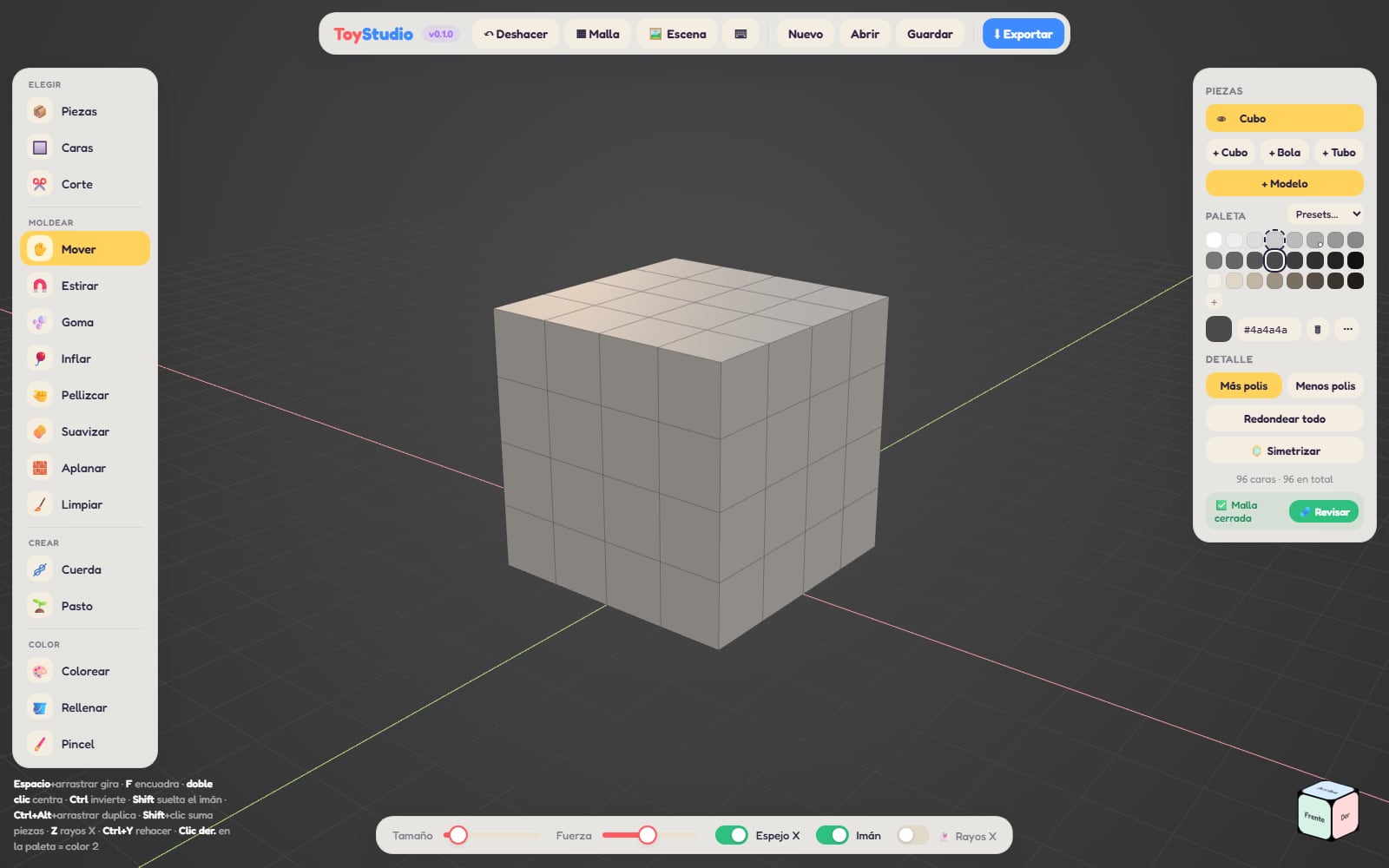
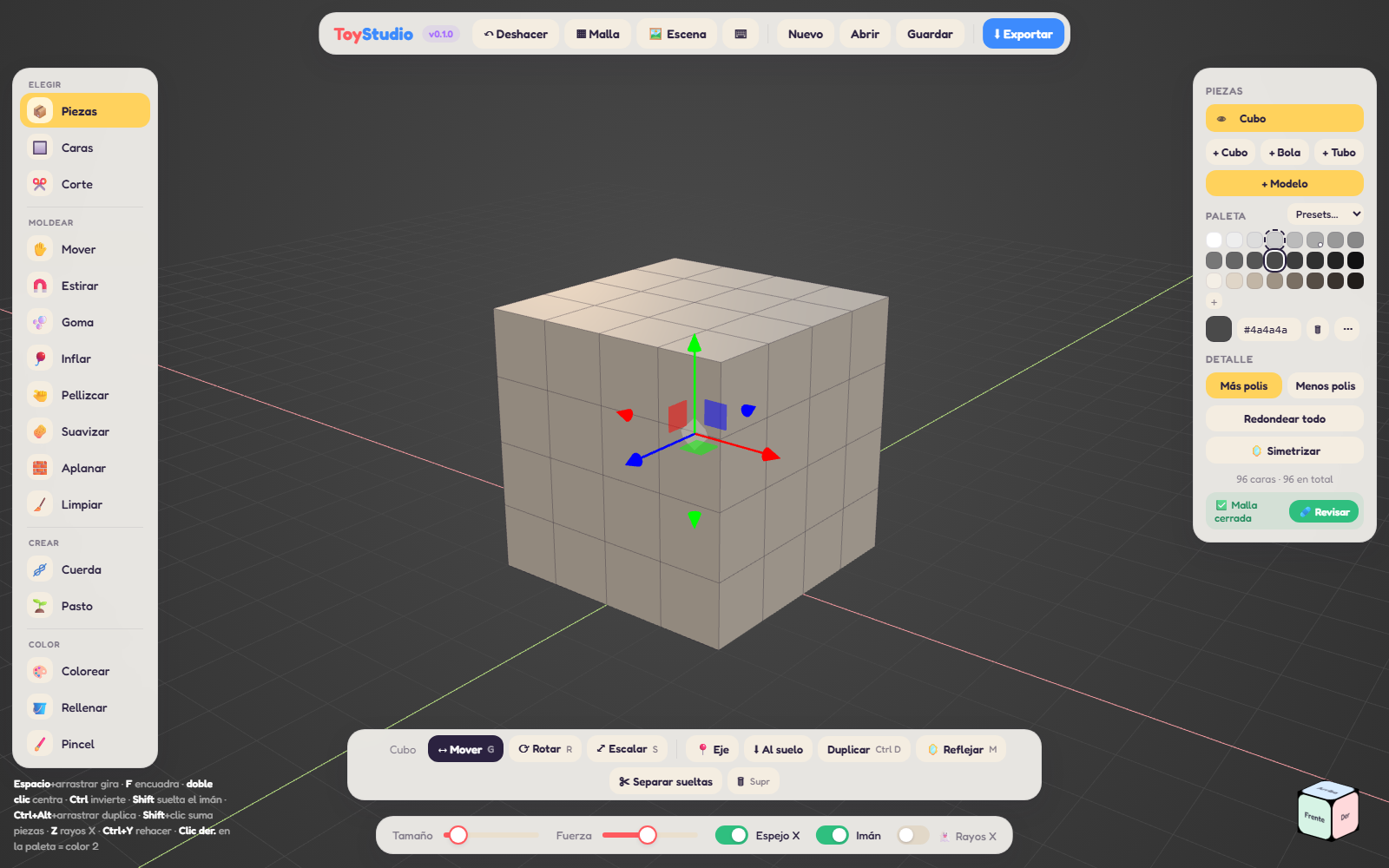
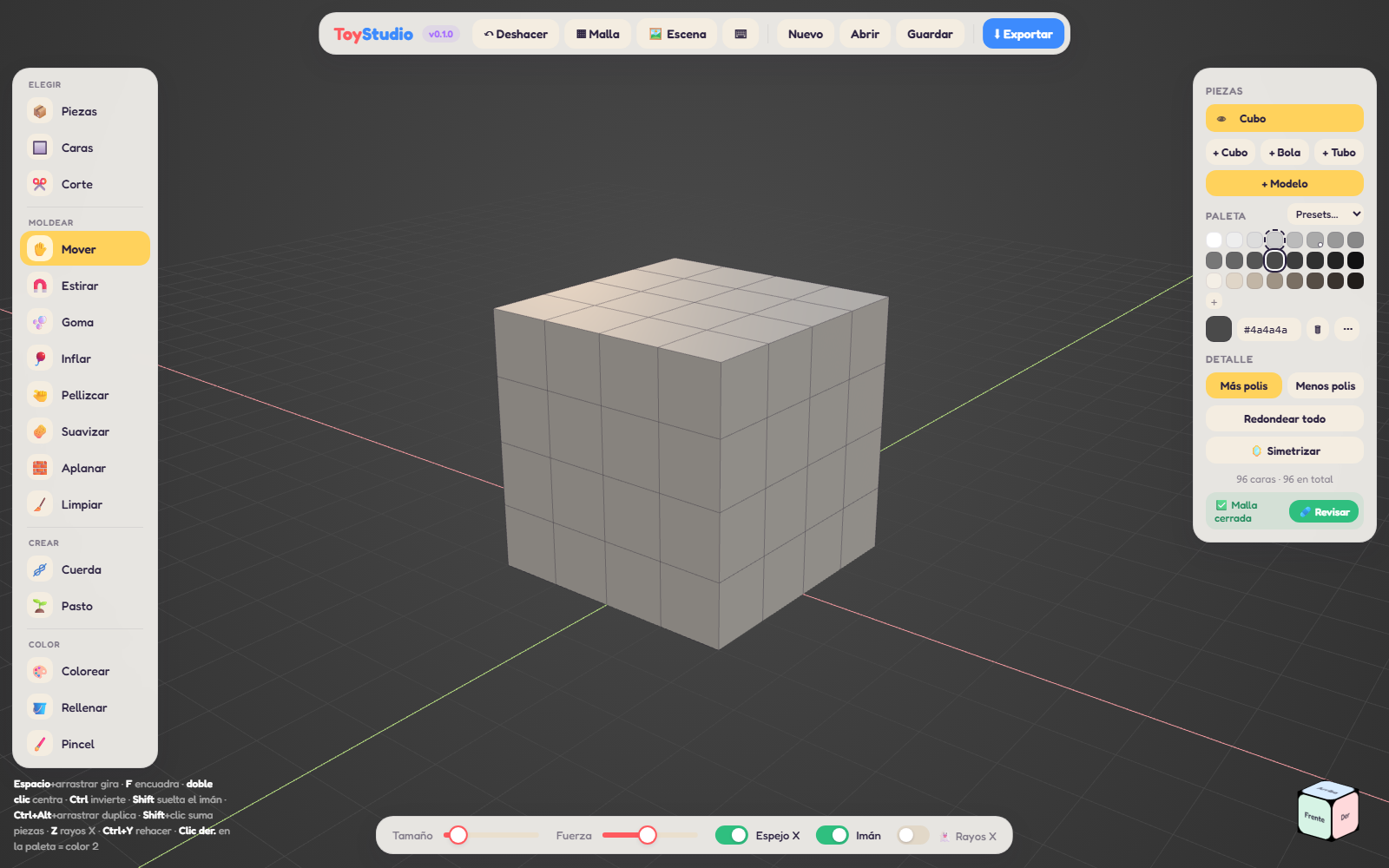
- Start with a cube, a ball or a tube. A cube is 6 faces, nothing more.
- Click a face, drag the blue arrow, and it comes out. Need more detail? Split it in halves.
- Pull, push, inflate, smooth and flatten with simple brushes. Mirror is on, so both sides match.
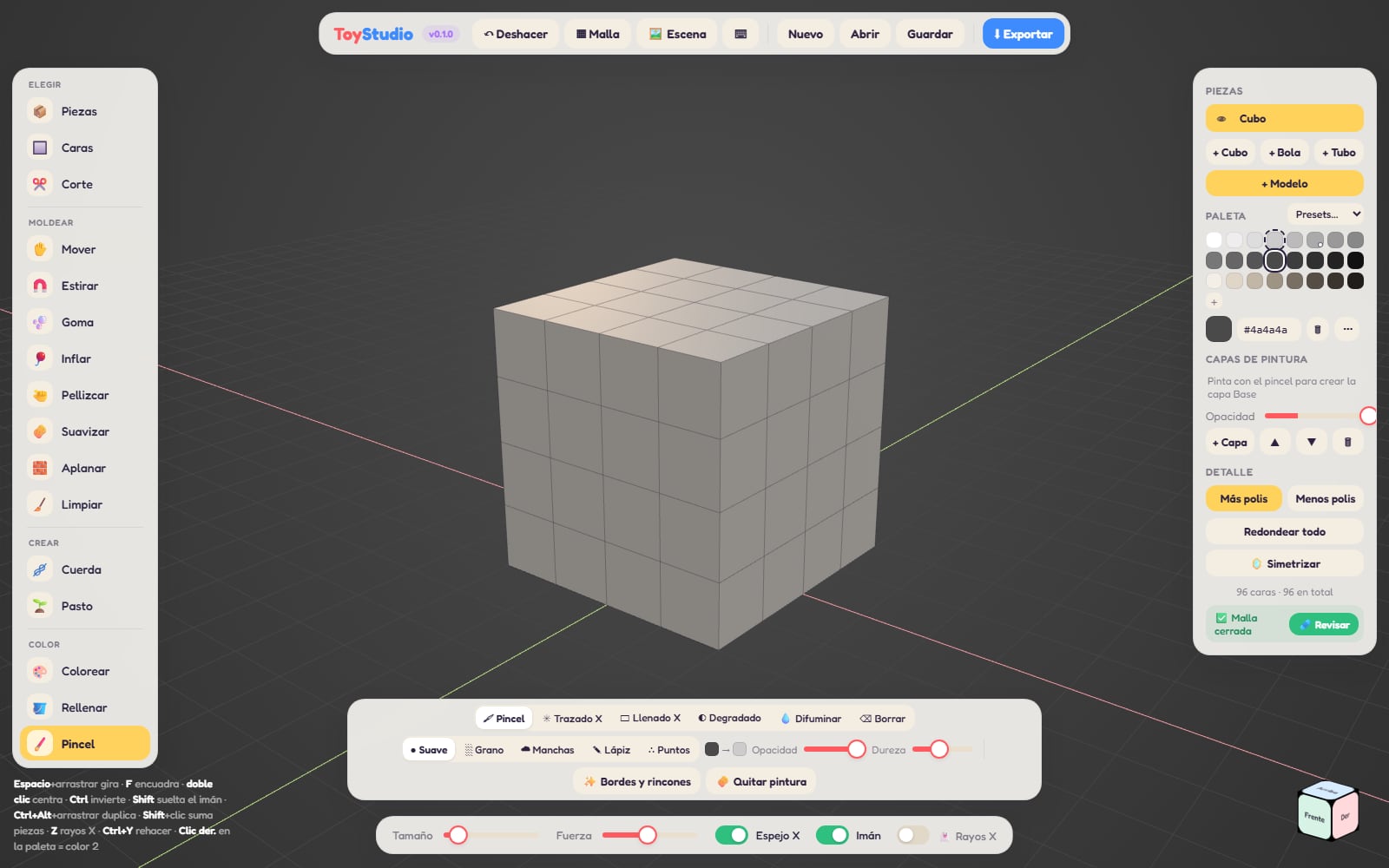
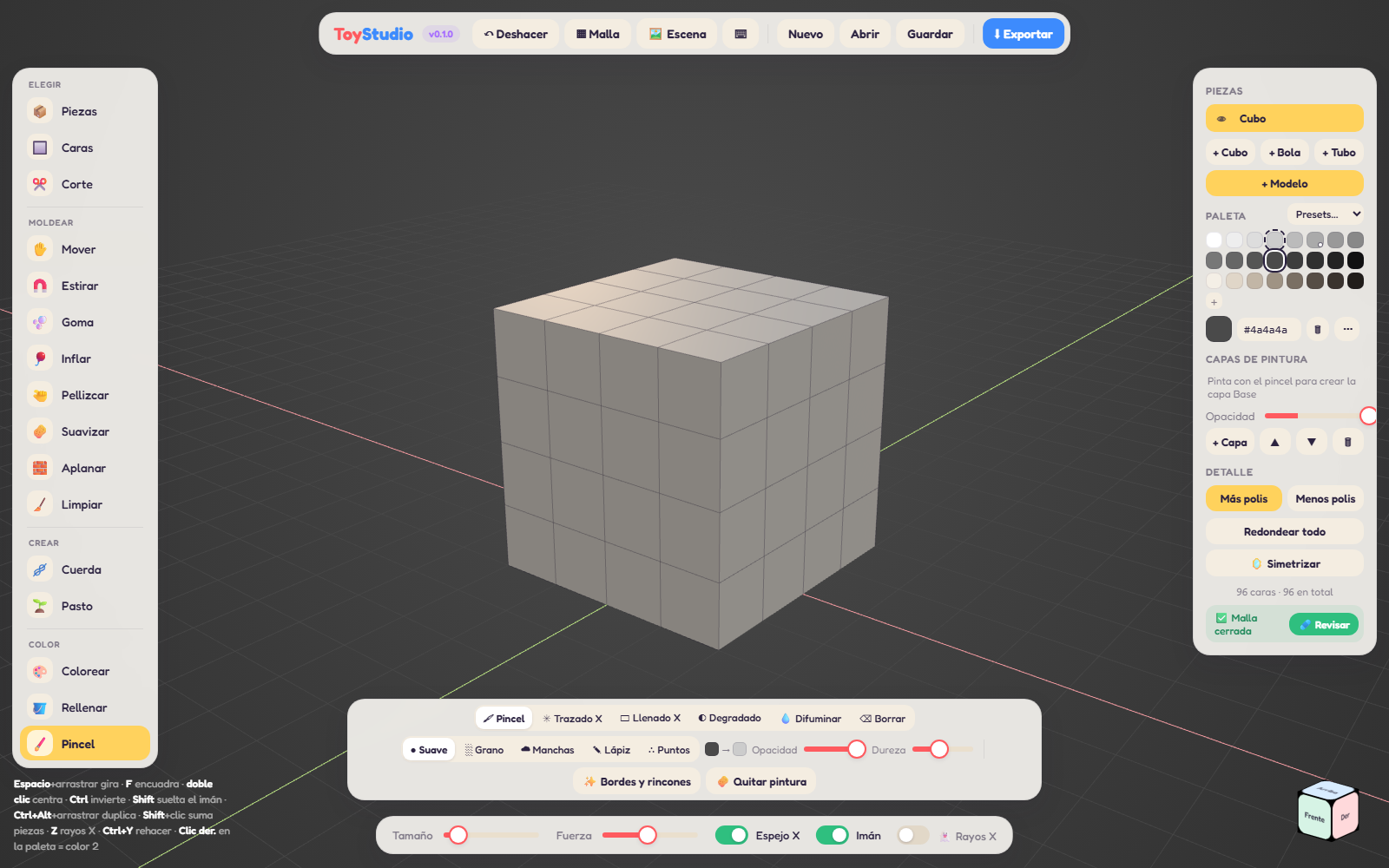
- Paint flat colors with one click, or with a real brush on layers.
- Export a .zip with your GLB for Godot. The colors come out exactly as you see them.
What's inside
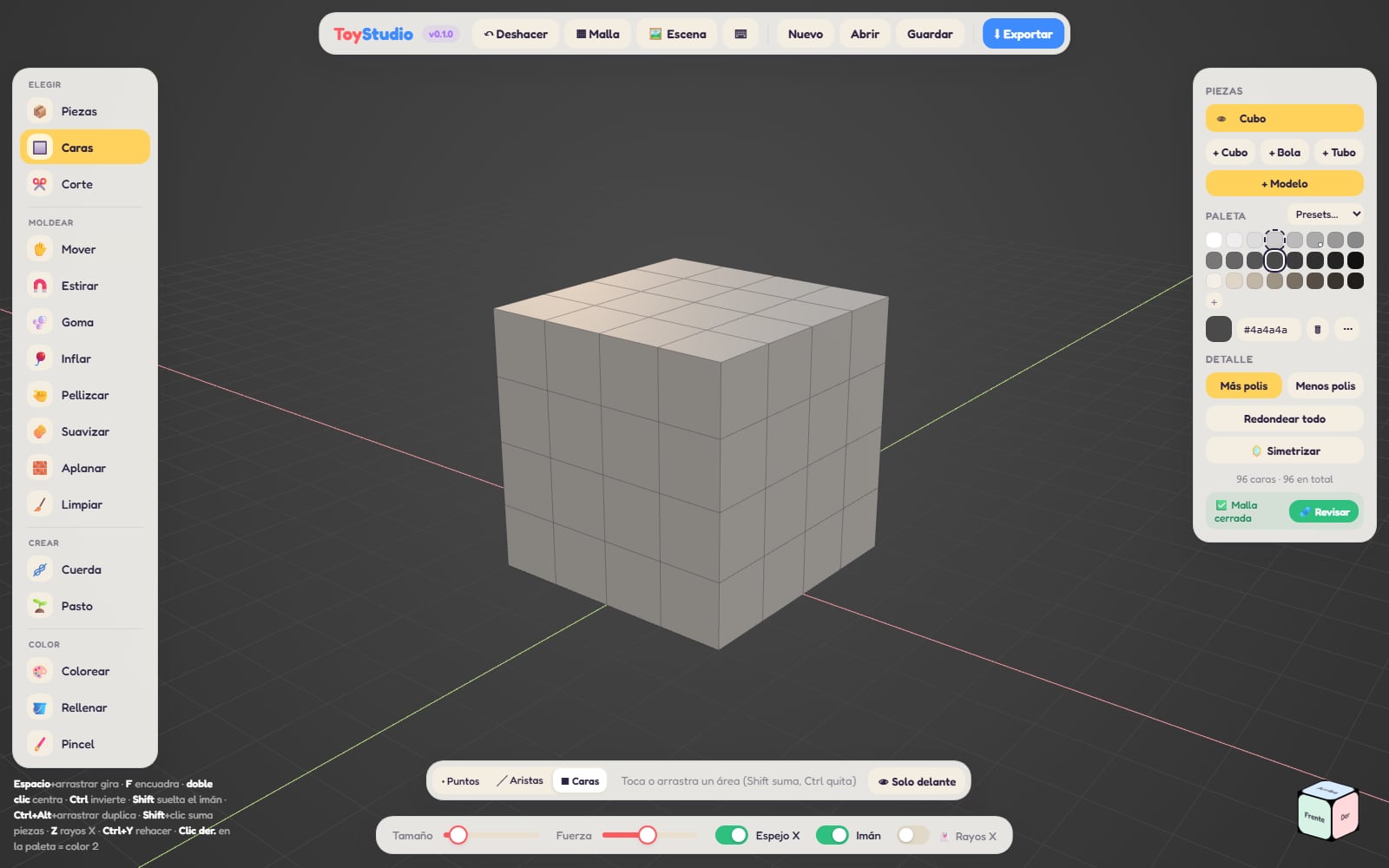
- Shape: move, stretch, inflate, pinch, smooth, flatten, and a rubber brush that bends the whole piece.
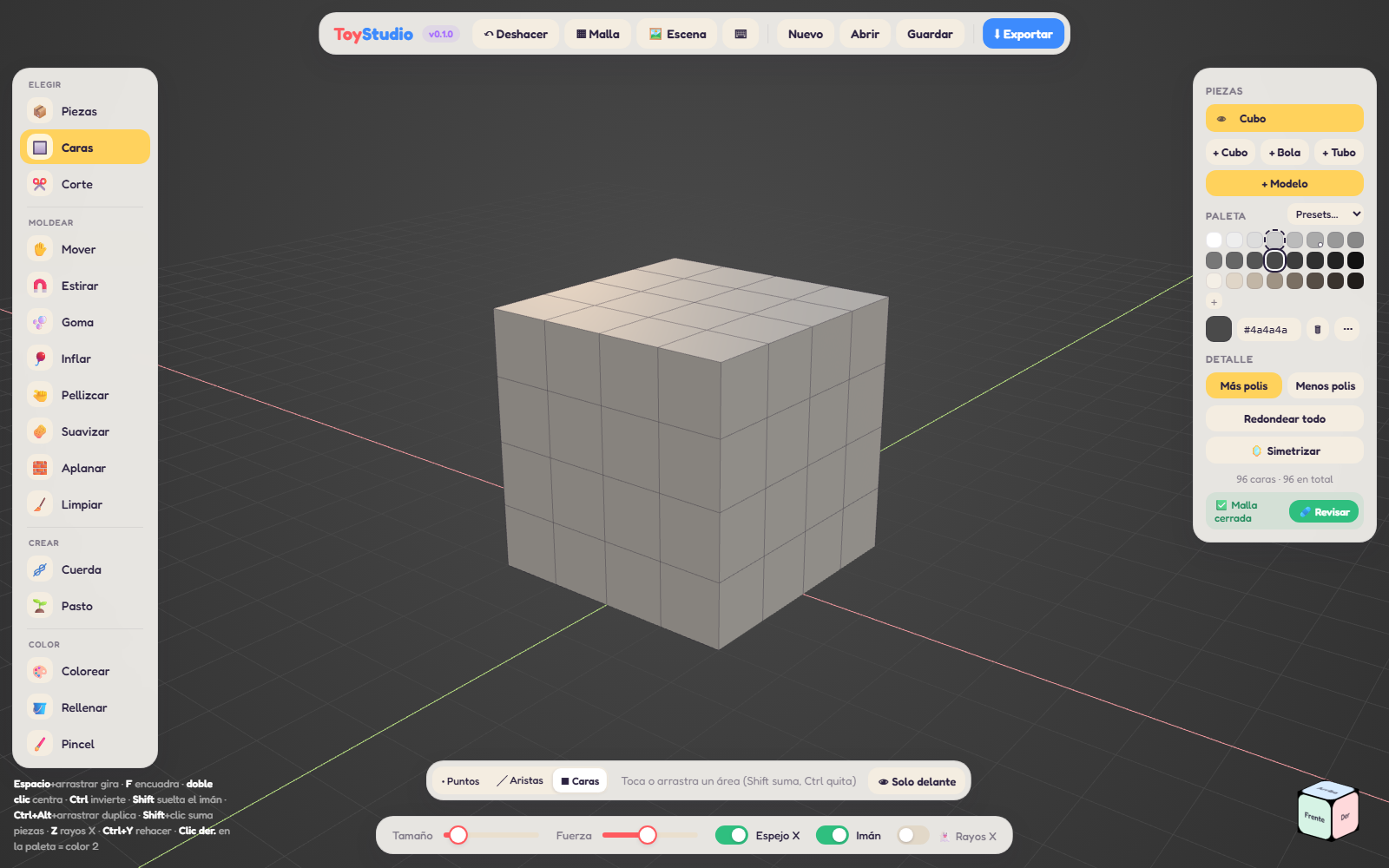
- Edit: faces, edges and points with arrows to move, rotate and scale. Loop cut, bridge, merge, extrude.
- Pieces: join two pieces into one solid, cut one out of another, or keep only the overlap.
- Heal: closes holes and removes hidden faces inside, so your model is clean for a game engine.
- Paint: brush painting with layers, grain and pencil tips, gradients and edge wear.
- Sculpt: draw, clay, flatten, crease, snake hook and a mask to protect what you like.
- Generate: trees, rocks, crates, houses, mushrooms and fences in one click. Hit the dice for a new one.
- Build: road tiles and house blocks (walls, windows, doors, roofs, stairs) that snap together like a toy kit.
- Catalog: free CC0 assets, your own library, weekly challenges. Share your models: a real person reviews every upload.
- Physics: ropes that fall and hang with real weight, and pieces that drop and land.
- Animate: place a few dots and get a skeleton with walk, idle and jump loops. Bone names match Mixamo.
- Import: GLB, FBX, OBJ, STL or a whole asset pack .zip, and keep editing.
- Works offline. Drawing tablets with pressure work too.
Try it before you buy
ToyStudio Lite runs free in your browser with every tool. Save your project there (.toy) and open it here when you want to export.
Join the community on Discord.
Everything you make is yours. Use it in commercial games, no credit needed.
Windows 10 or later, 64-bit.
Please read before buying
ToyStudio is made by a small studio and is in active development. It may have bugs, and we fix them as fast as we can. Your feedback helps a lot: support@deerrockstudios.com.
ToyStudio is provided as is, without warranty of any kind. Deer Rock Studios is not responsible for lost work, damaged files or any use you make of the program or the models you create with it. Save your projects often and keep backups.
No refunds. Because you can try every tool for free in ToyStudio Lite before buying, all sales are final. If something doesn't work on your PC, write to us and we'll do our best to help.
Purchase
In order to download this tool you must purchase it at or above the minimum price of $6 USD. You will get access to the following files:
Leave a comment
Log in with itch.io to leave a comment.